Material Symbols
Designed By
7 Styles Display
The evening
edition.
Material Symbols · Regular
Try a short headline and compare the letterforms at a larger scale.
7 styles available. Compare the specimens below, or enter your own text.
Download Material Symbols ↓TTF · Apache License 2.0
Set Your Own Text
Change the style and size to compare the letterforms.
Icons for buttons and menus
A Headline In Place
Material Symbols · Regular
A poster setting with supporting text.
Theatre / Music / Conversation
An Evening
In Good
Company.
Friday · 7:30 pm
The Assembly Rooms
7 Styles,
One Family
Every available style is shown below in its own font file.
Thin100
Icons for buttons and menus
Extra Light200
Icons for buttons and menus
Light300
Icons for buttons and menus
Regular400
Icons for buttons and menus
Medium500
Icons for buttons and menus
Semi Bold600
Icons for buttons and menus
Bold700
Icons for buttons and menus
Material Symbols is Google’s current icon set, introduced in April 2022 and built for variable fonts from the start. The drawings come from the same 24 px designs as the older Material Icons, which no longer get updates, and they come in 3 styles: Outlined, Rounded and Sharp.
The variable version has 4 axes. Optical size covers 20 to 48, weight 100 to 700 and grade -50 to 200, while fill goes from 0 to 100 and turns an outline icon solid and can be animated between the 2 states.
The files here are 7 static weights, Thin to Bold, each holding 4,278 characters. You can browse the whole set at fonts.google.com/icons. Google takes requests for new icons as issues on its repository, though it does not accept icon designs from outside.
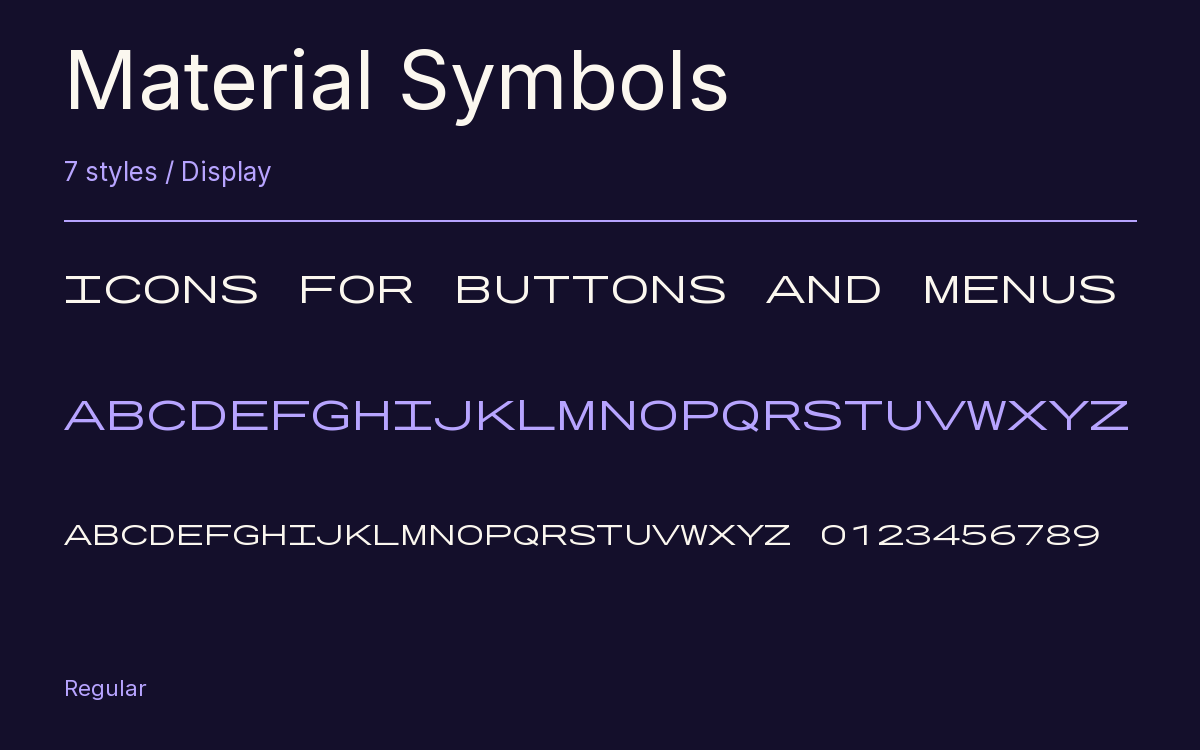
Characters & Figures
4,278 glyphs reported in the reference style. This selection shows 64 recorded characters.
ABCDEFGHIJKLMNOPQRSTUVWXYZ
abcdefghijklmnopqrstuvwxyz
0123456789
View The Recorded Character Selection
The Font Files
Download
Material Symbols
7 TTF styles with the accompanying CSS, README and license information.
Download ZIP · 3.0 MB ↓- Version
- 2.925
- License
- Apache License 2.0
Install On Your Computer
Extract the ZIP first. On Windows, select the font files and choose Install from the context menu. On macOS, open the files in Font Book and choose Install.
Use On A Website
Keep the font files and the included stylesheet together. Update the stylesheet path to match your project.
<link rel="stylesheet"
  href="/fonts/material-symbols/material-symbols.css">

body {
  font-family: 'Material Symbols', sans-serif;
}
Keep the copyright and license notices with redistributed files.
Heading & Body
The family provides the heading; Inter carries the supporting text.
Material Symbols Heading · Inter Body
The Evening Performance
Doors open at seven. The performance begins at half past. Please take your seat before the lights go down.