
Noto Sans Meroitic
Designed By
1 Style Sans Serif
Letters for
every day.
Noto Sans Meroitic · Regular
Compare the family in headings, short labels and paragraph text.
1 style available. Compare the specimens below, or enter your own text.
Download Noto Sans Meroitic ↓TTF · SIL Open Font License 1.1
Set Your Own Text
Change the style and size to compare the letterforms.
Notes on a temple inscription
A Clear Hierarchy
Noto Sans Meroitic · Regular
Headings, labels and running text.
Departures09:00 →
Before You Travel
The morning service leaves at nine. Tickets are available at the station, and the platform is listed on the departure board. Keep your ticket until the end of the journey.
1 Style,
One Family
Every available style is shown below in its own font file.
Regular400
Notes on a temple inscription
Kush, the kingdom around Meroë in what is now Sudan, wrote its language in 2 scripts between about 300 BCE and 600 CE, and this font carries both of them. The hieroglyphic one was taken from Egyptian hieroglyphs and ran in vertical columns read from the right. The cursive came out of Demotic. It is the one on around 90% of the inscriptions that survive, and it needs a shaping engine to come out right on screen.
Google made it part of Noto, the project that wants a font for every writing system, living or dead, and the drawing is credited to Monotype’s design team. A plain Latin sits beside the signs, so a transliteration or a catalog number can share the line with the original. If a museum panel has to stand the hieroglyphs in a column, find out first whether your layout software does vertical right to left at all.
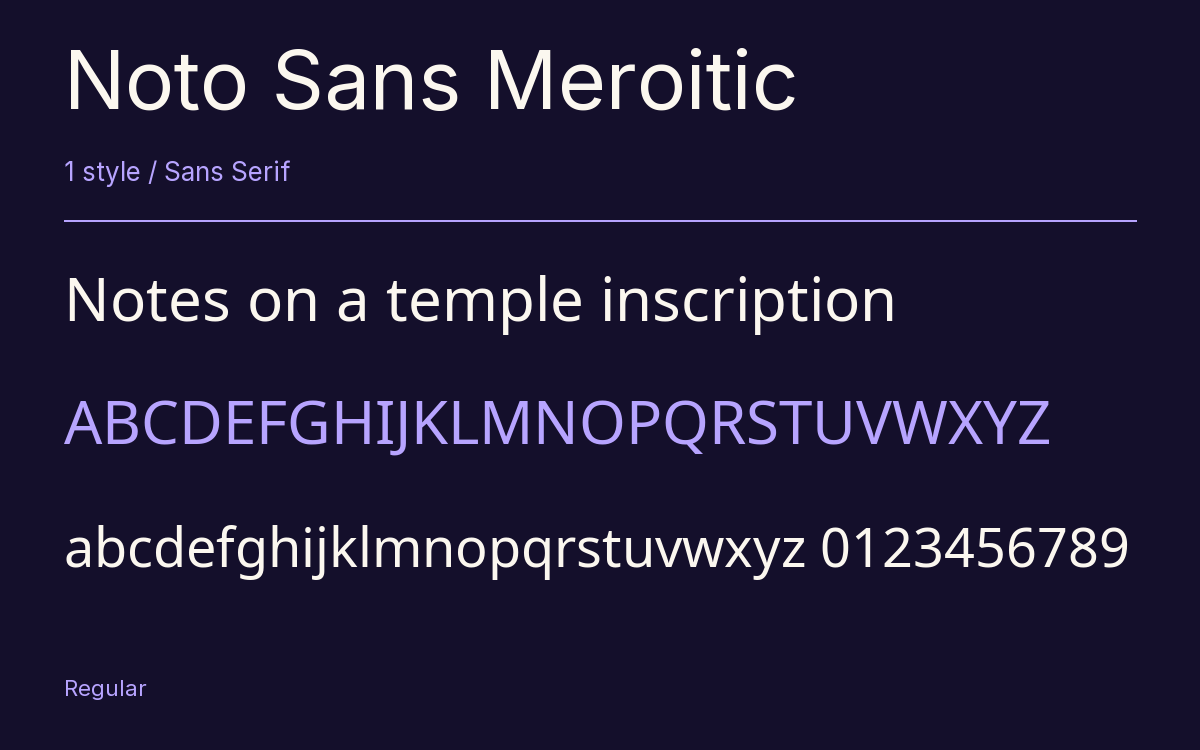
Characters & Figures
454 glyphs reported in the reference style. This selection shows 400 recorded characters.
ABCDEFGHIJKLMNOPQRSTUVWXYZ
abcdefghijklmnopqrstuvwxyz
0123456789 & @ ? !
View The Recorded Character Selection
The Font Files
Download
Noto Sans Meroitic
1 TTF style with the accompanying CSS, README and license information.
Download ZIP · 49 KB ↓- Version
- 2.002
- License
- SIL Open Font License 1.1
Install On Your Computer
Extract the ZIP first. On Windows, select the font files and choose Install from the context menu. On macOS, open the files in Font Book and choose Install.
Use On A Website
Keep the font files and the included stylesheet together. Update the stylesheet path to match your project.
<link rel="stylesheet"
  href="/fonts/noto-sans-meroitic-2/noto-sans-meroitic-2.css">

body {
  font-family: 'Noto Sans Meroitic', sans-serif;
}
Keep the copyright and license notices with redistributed files.
Heading & Body
Compare a larger heading with the same family at reading size.
Noto Sans Meroitic Heading · Noto Sans Meroitic Body
Before You Travel
The morning service leaves at nine. Tickets are available at the station, and the platform is listed on the departure board. Keep your ticket until the end of the journey.